
Deliver photos your clientswill love to download.
Client photo galleries with full-resolution downloads, online proofing, your branding, and your own domain on paid plans, at the lowest monthly prices in the business, billed month-to-month with no annual contract. Start free: 50 GB during beta, 20 GB after.
Share photos
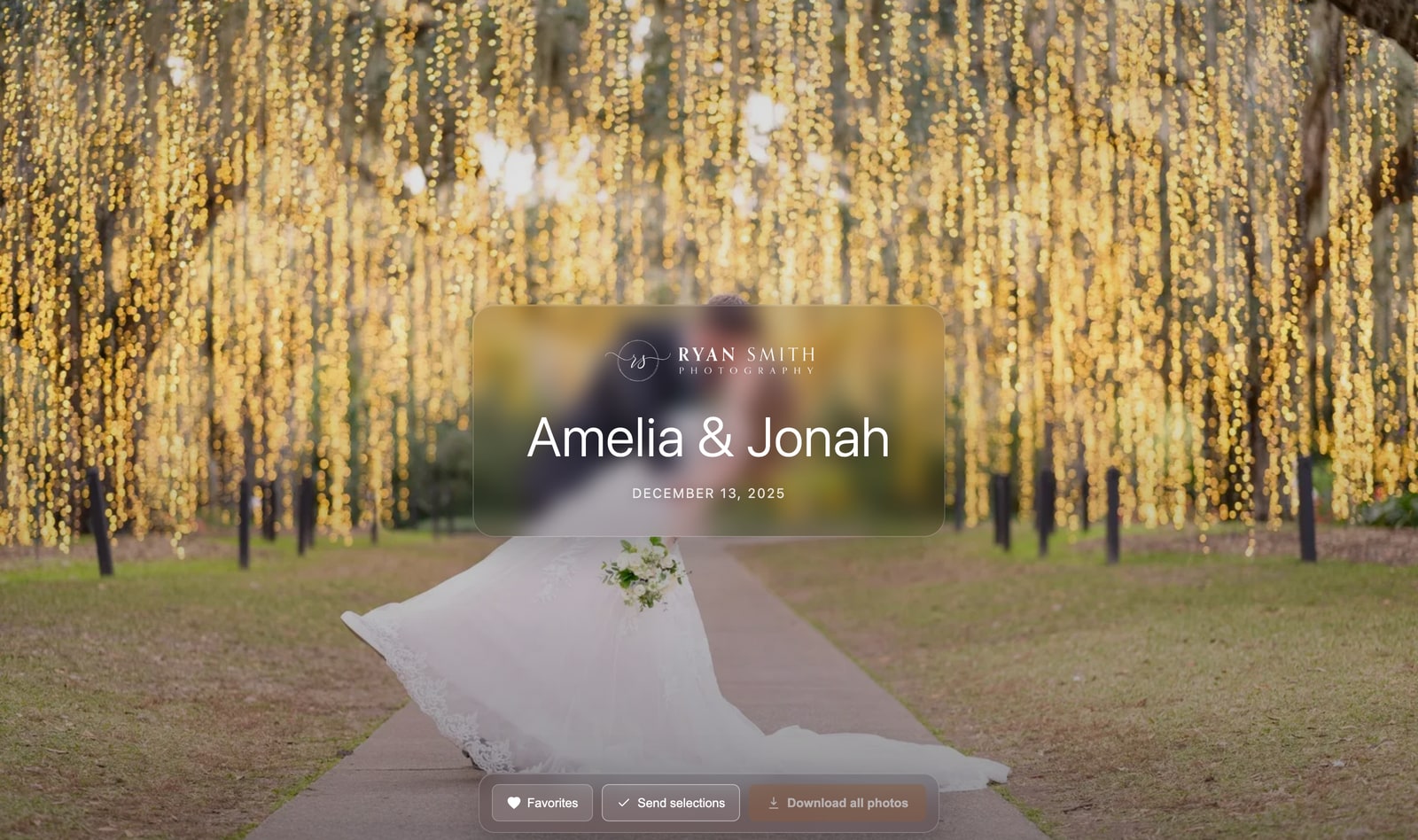
A gallery that opens like a website, not a folder.
Your cover photo full-screen, your studio name or logo, an elegant monochrome design. Fast previews in a clean, justified grid with a swipeable full-screen viewer. Public, unlisted link, or password protected on a paid plan. You choose per gallery. Photo delivery your clients will actually enjoy.
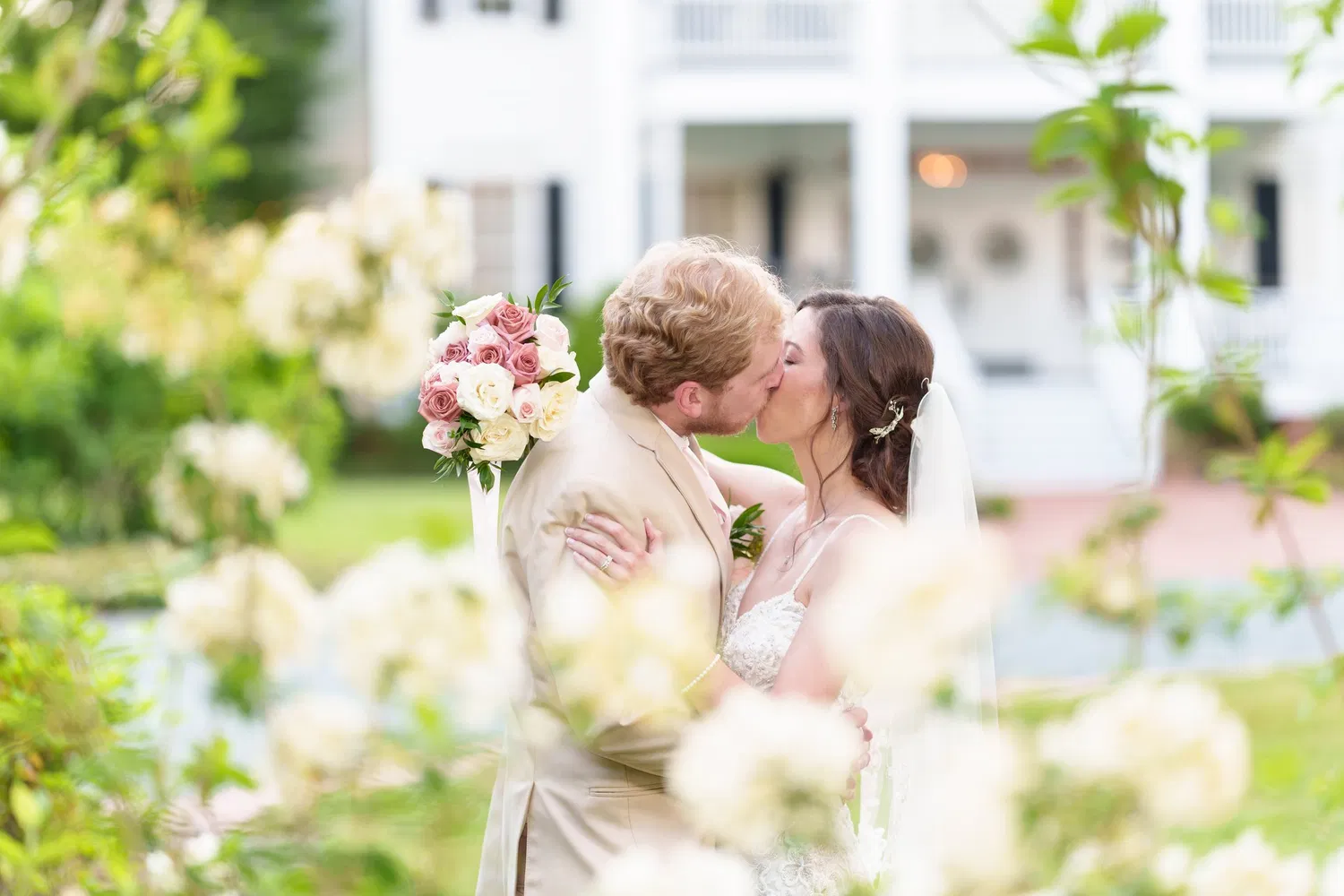
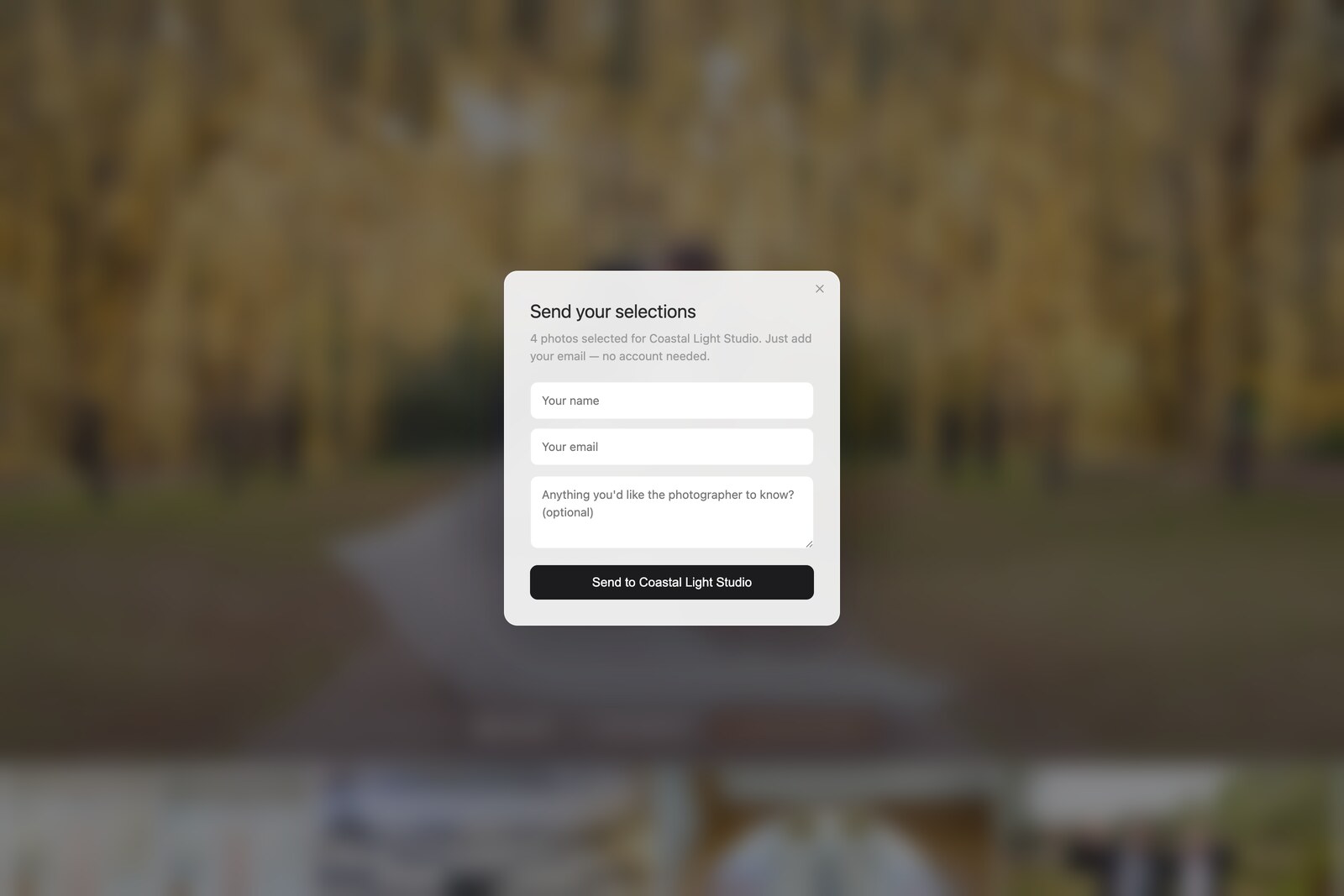
Clients pick their favorites. You get the list.
Hearts on every photo, a favorites filter, and one button to send their selections: just their email, no account or password needed. You see exactly which images each client wants, perfect for albums, prints, and knowing what to retouch.

The originals, delivered to their inbox.
No accounts required. Clients get fast, easy one-click downloads of their final pictures, delivered as your untouched full-resolution files.
Lightroom plugin
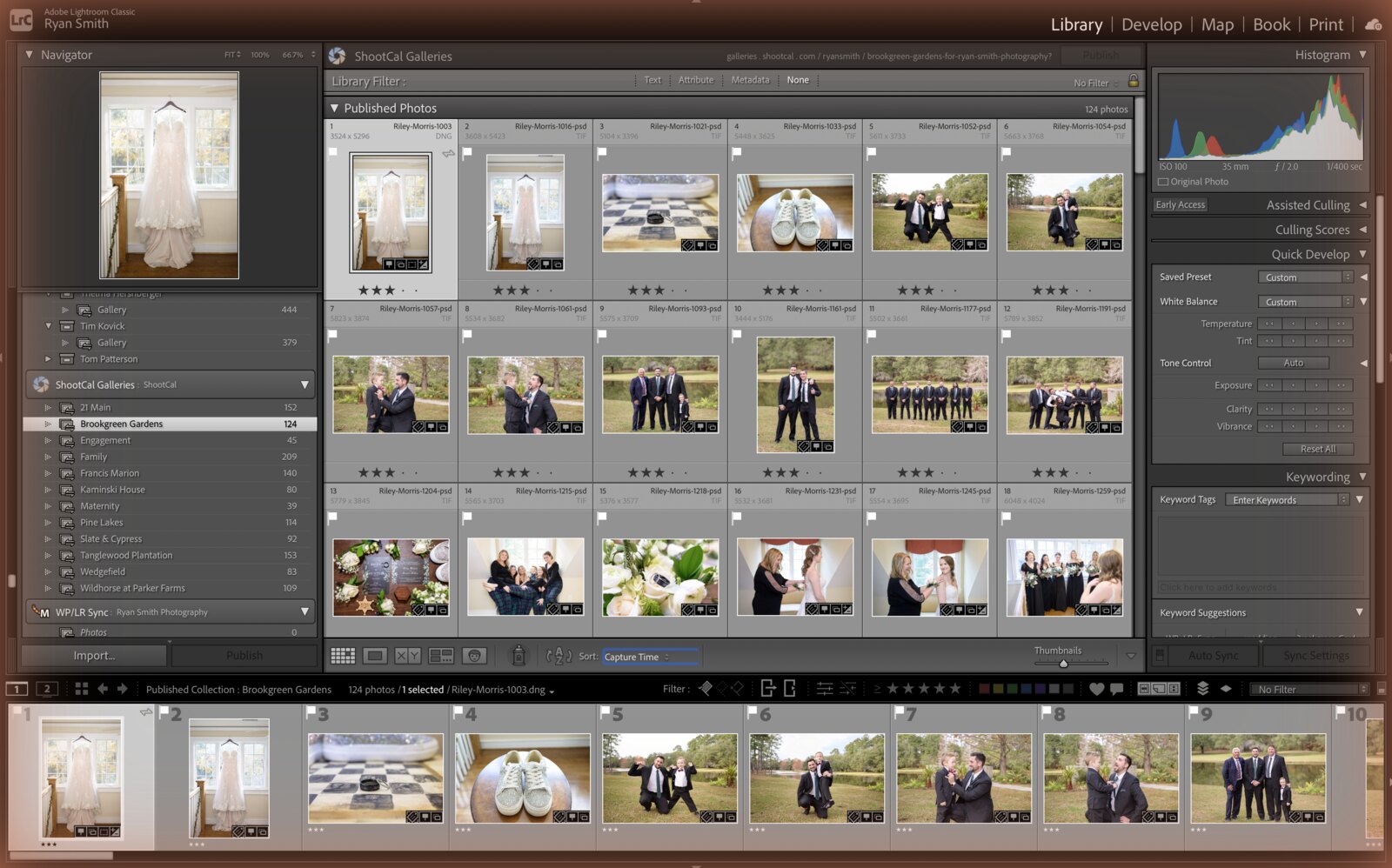
Publish straight from Lightroom.
Our Lightroom Classic plugin turns a published collection into a gallery: sign in once, publish, re-publish, and it stays in sync. No exporting to folders, no re-uploading. Add your logo, and on a paid plan point your own domain at it so clients never see shootcal.com.
Real galleries, real photos.
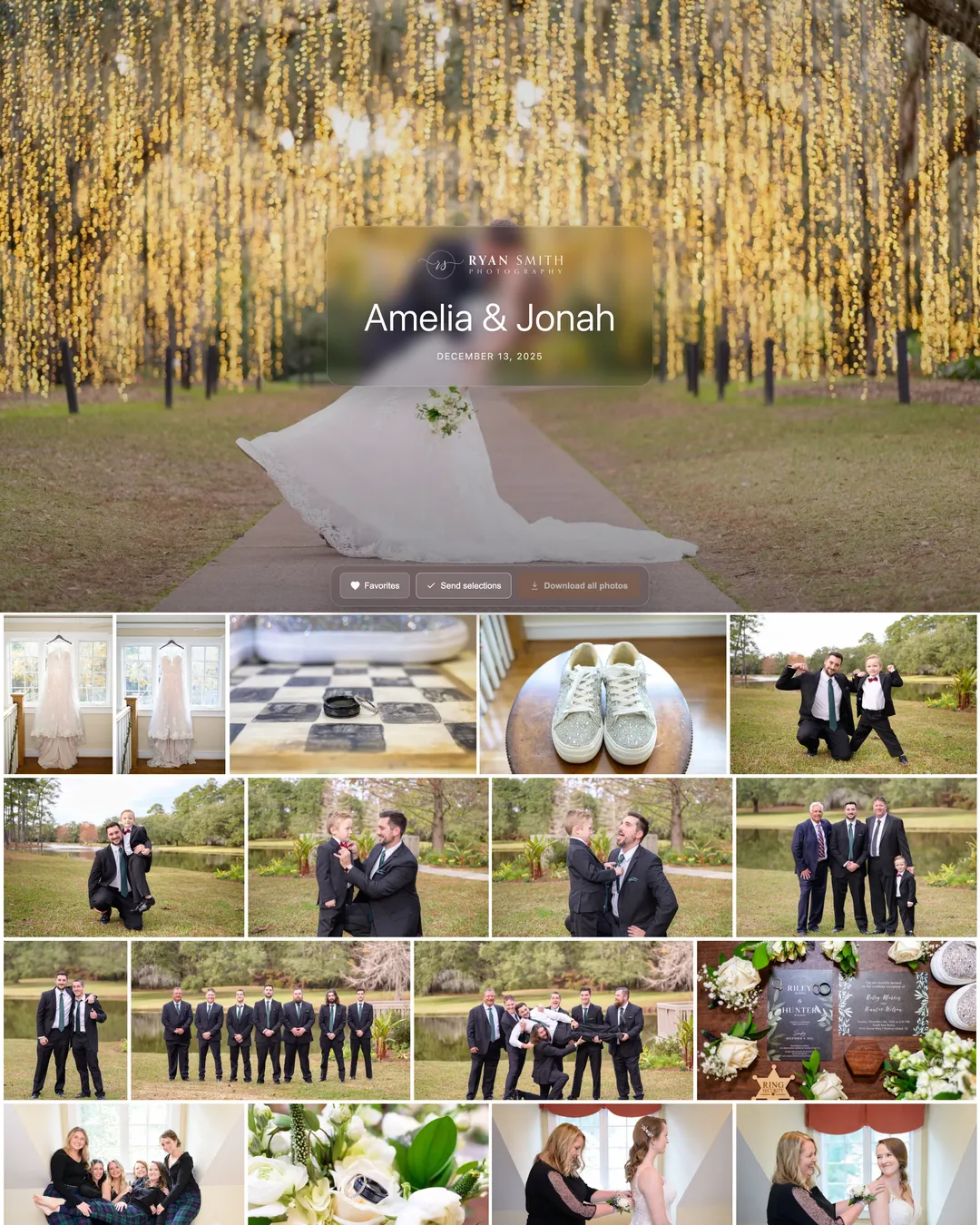
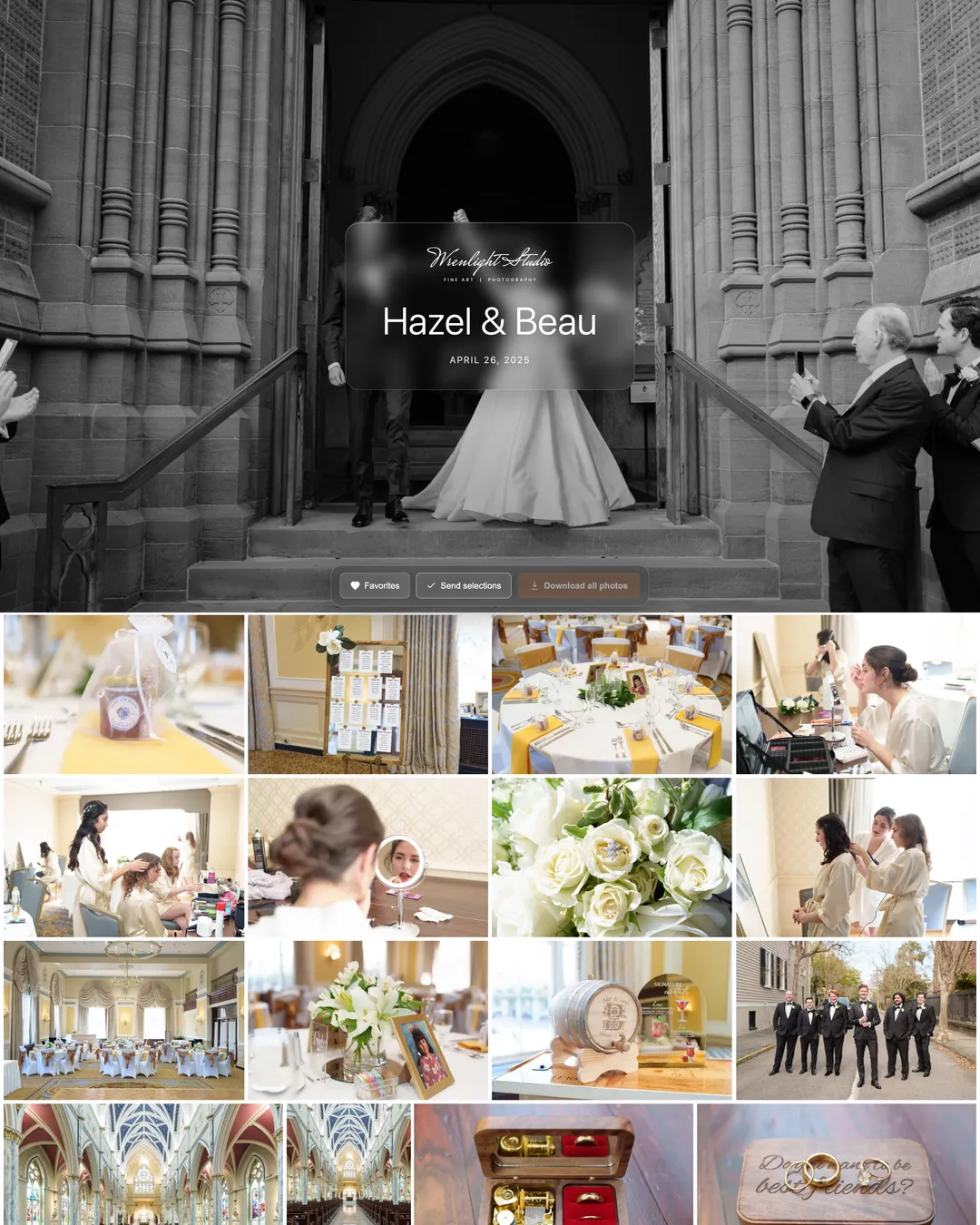
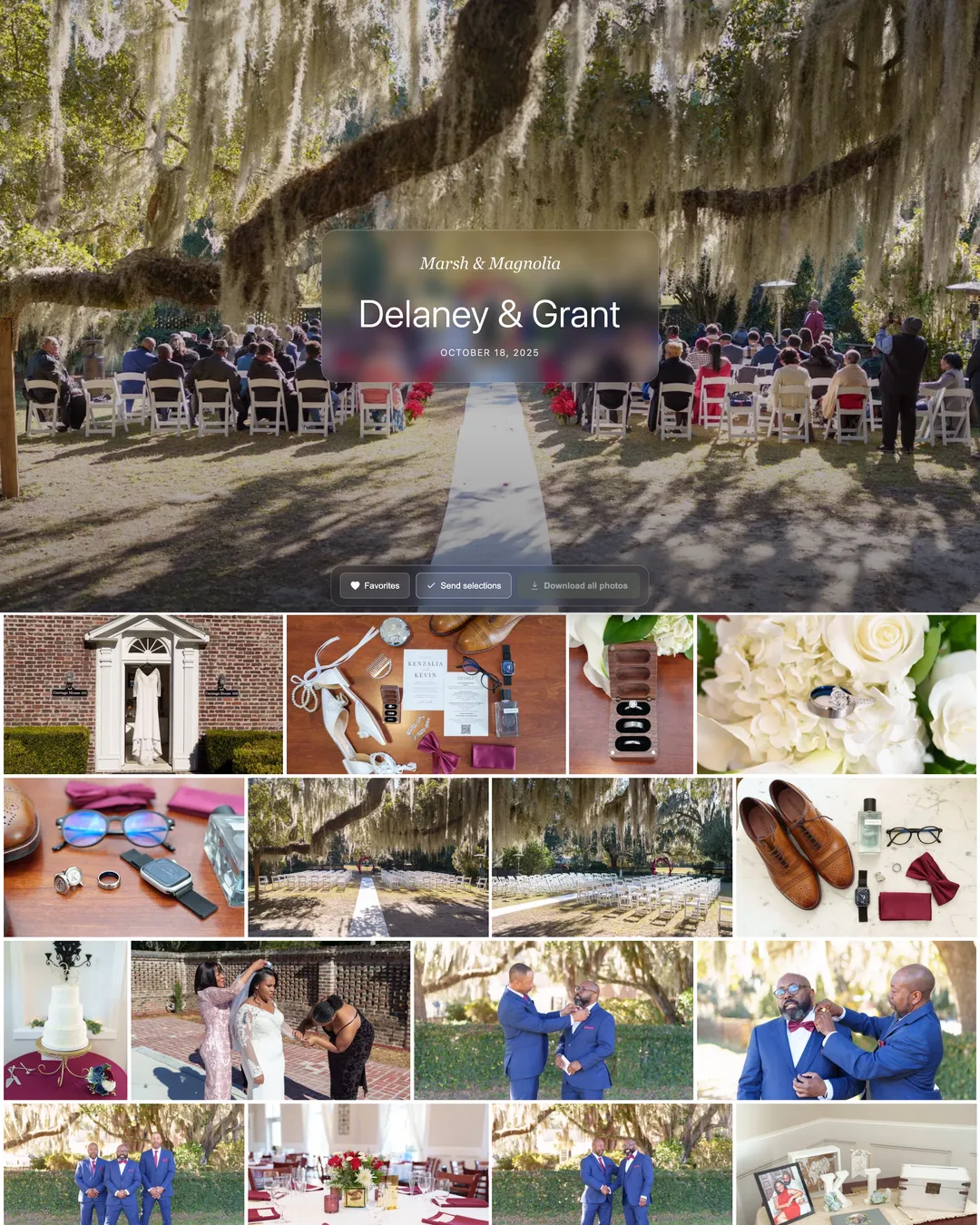
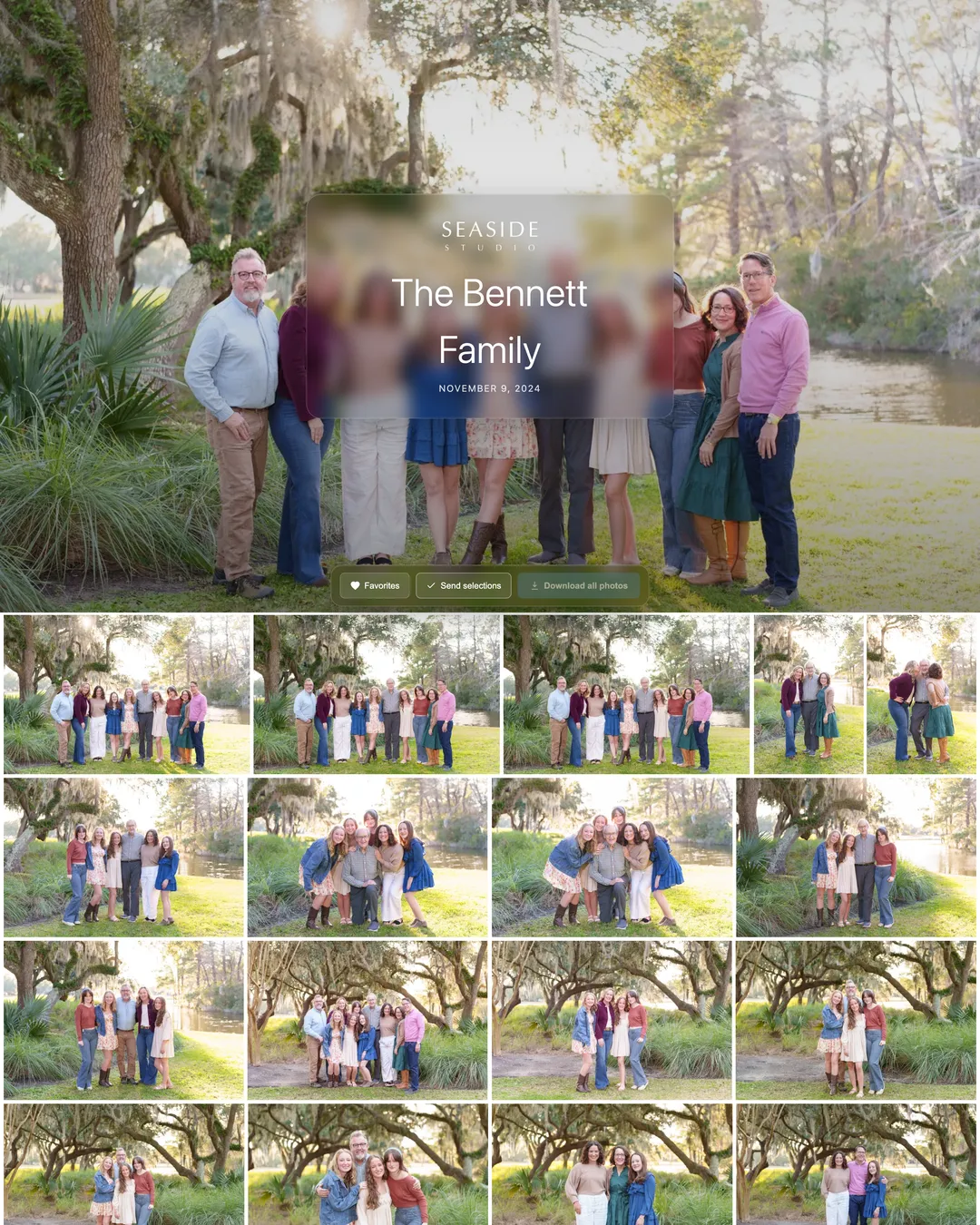
Real wedding and family photo galleries. Click any of them and you’re in the exact viewer your clients will see.
Sell photography prints and wall art online. Launching soon.
A full print store built into every gallery: your clients order, a pro lab (WHCC) prints and drop-ships under your brand, and you keep the margin. It’s built and in final lab testing now.
Nine products, one beautiful editor
Photo prints on Lustre, Deep Matte, or Pearl. Gallery-wrap canvas, metal, acrylic, and framed prints with real wood and metal mouldings. Standouts, maple wood prints, freestanding acrylic blocks, and 5×7 photo cards. Clients crop and size each piece in a full-screen editor, and a true-scale “See it on your wall” preview shows wall art in a real room before they buy.
Your store, your margin
Clients pay into your own Stripe account, and you set the retail pricing with a fair, sliding-scale markup: higher on small prints, lower on big canvases, so clients never overpay for wall art. 0% commission on every paid plan; the Free plan pays 15%, on the product price only, never on shipping or tax.
Client print credits
Give a client a credit toward prints, like a gift card for their gallery, and let them order their own wall art with it. Sales tax is calculated automatically at checkout with Stripe Tax, and clients get order tracking plus a shipping email the moment it leaves the lab.
ShootCal Galleries vs. the rest.
Looking for a Pixieset, Pic-Time, or ShootProof alternative? An honest look at how ShootCal Galleries stacks up against the client galleries photographers already know.
Competitor details are approximate and current as of 2026; check each provider for the latest. Comparison reflects standard client-gallery plans.
Simple pricing, serious free tier.
The free plan is here to stay, and it’s boosted for beta right now. Need more room? Upgrade anytime, billed month-to-month with no annual contract.
Free Beta boost
Free forever. 50 GB while we’re in beta, then 20 GB. Still the most free storage anywhere. Print store sales carry a 15% commission on the product price.
Plus
Billed monthly, no annual contract. The lowest monthly price around, with 0% print commission: sell a little wall art and it pays for itself.
Pro
Billed monthly, with room for every wedding at full resolution. 0% print commission.
Every plan includes the full ShootCal studio app, free. Calendar, online booking, client management, contracts, and deposit tracking that syncs with Wave and QuickBooks. The two share one client list: book a session and the gallery can be created right there, already named after your client and dated to the shoot. Other galleries charge extra for a studio manager; with us it is included, even on the free plan.
Every paid plan is month-to-month: no annual commitment, cancel anytime. Most competitors only reach these prices if you pay a year up front. The free plan always stays free.
Galleries, answered.
The things photographers ask before moving their delivery here.
Is ShootCal Galleries free?
Yes. The Free plan is free forever with 20 GB of storage (boosted to 50 GB during beta), full-resolution downloads, online proofing with favorites, delivery emails, and the Lightroom publish plugin. Paid plans add more storage, password-protected galleries, your own custom domain, and 0% print commission: Plus is $12/mo with 100 GB and Pro is $25/mo with 1,000 GB, both billed month-to-month with no annual contract.
How much does it cost to sell prints?
Nothing to set up. The print store is launching soon; when it opens, the Free plan pays a 15% commission on the product total of each print order, and on any paid plan the commission is 0% so you keep your full margin. The commission applies to the product price only, never to shipping or sales tax. For most photographers who sell even a little wall art, the paid plan pays for itself.
Do I get paid directly for print sales?
Yes. You connect your own Stripe account (“Connect with Stripe” in your studio admin) and your client’s payment will land in your Stripe balance directly, on your normal payout schedule. ShootCal never holds your sales. You set the retail pricing and keep the margin; the lab cost is handled automatically.
Who prints and ships the orders?
WHCC, a professional print lab trusted by working photographers, will produce and drop-ship every order under your brand. Clients can order photo prints, gallery-wrap canvas, metal prints, acrylic prints, framed prints, standouts, wood prints, acrylic blocks, and photo cards. You never touch inventory or packaging.
Do my clients need an account to view their gallery?
No. Clients open their gallery from the link you send. To favorite photos or place a print order they just enter their email; there is no account to create and no password required (you can add a gallery password on a paid plan if you want one).
Can I use my own domain?
Yes, on a paid plan. Point a CNAME at ShootCal and your galleries live on your own domain, like clients.yourstudio.com, so clients never see shootcal.com.
Can I publish galleries straight from Lightroom?
Yes. The ShootCal Galleries publish plugin for Lightroom Classic turns a published collection into a gallery: publish once, re-publish after edits, and it stays in sync. Uploads go directly to cloud storage. And if a gallery with the same name already exists — like the one created when your client booked — the photos upload straight into it instead of making a duplicate.
Does Galleries connect to the ShootCal booking app?
They work as one studio. Your ShootCal clients appear in the gallery client picker, the Clients page shows each client’s bookings and contract status next to their gallery, and you can create a client’s gallery straight from their booking — named after them and dated to the session. There’s even an optional setting that creates an empty draft gallery automatically for every new client you book.
What about sales tax on print orders?
ShootCal uses Stripe Tax to calculate sales tax automatically from the customer’s shipping address. You add the states where you are registered to collect in your own Stripe dashboard, and tax is applied at checkout for those states. You remain responsible for remitting tax where you have an obligation; ShootCal does not file returns for you.
Do I have to sell prints?
No. The print store is optional. You can use ShootCal Galleries purely to deliver photos and collect favorites, and turn the store on whenever you like.